
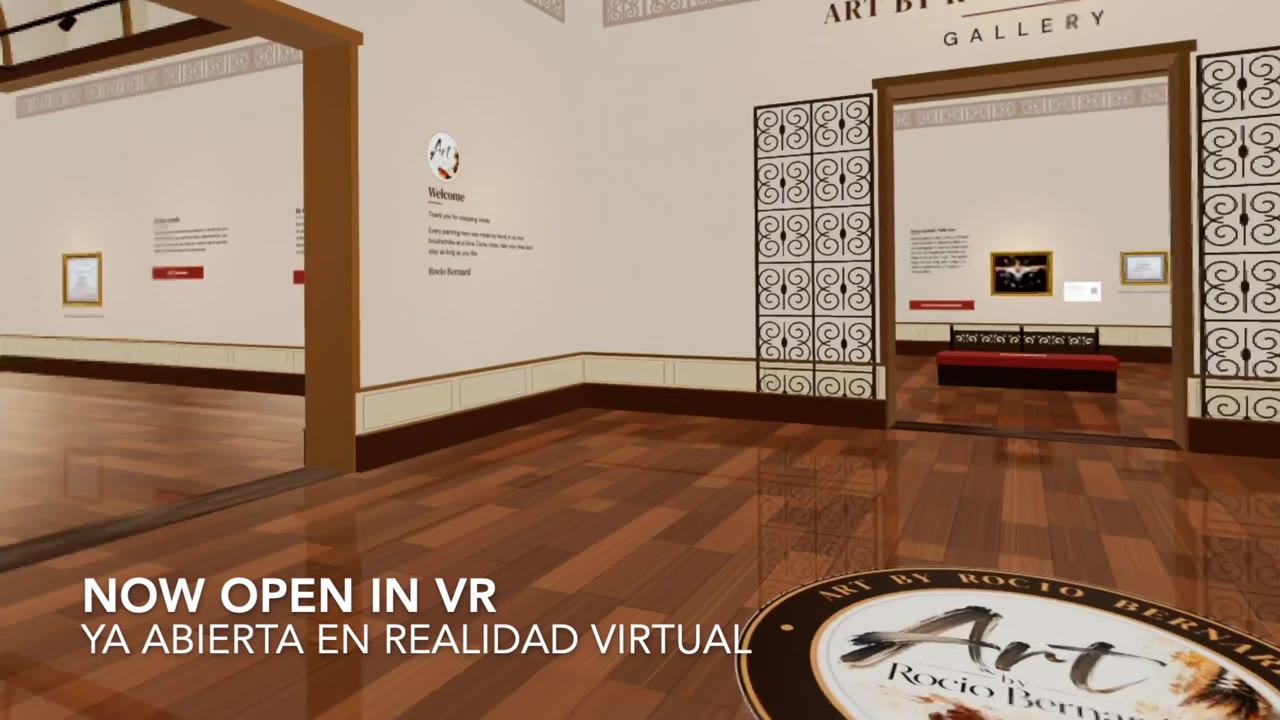
My paintings now hang in a virtual gallery. If you have a VR headset, you can walk in, take your time with each painting, and even sit on a bench and look around.
How to visit
- Put on your VR headset, such as a Meta Quest, and open its Browser.
- Go to artbyrociobernard.art.
- Press “Enter the VR Gallery.” The button only appears on a VR headset.
Inside the gallery
- Point at the floor and pull the trigger to walk there, or walk with the left stick. The right stick turns.
- Point at a bench and pull the trigger to sit. Pull it again to stand up.
- Music and footsteps can be switched on or off from the buttons in the entrance hall.
- To leave, use the Exit doors.
No app and no account needed. New paintings appear in the gallery on their own as they are added to the website.
Come in and stay as long as you like.
— Rocio